Experience The Professional Brand Videography Services Brand Trust
We are a Raleigh, NC-based brand videography studio that integrates your vision with a comprehensive digital strategy to produce impactful stories that elevate your brand
Our experienced team creates corporate videos, promotional ads, and drone videography to bring your brand vision to life.
Brand Videography Challenges We Solve
Many businesses struggle to use video effectively. Our brand videography services address these common challenges:
- Our videos don’t perform well on social media
- We lack a consistent video marketing approach
- Our videos look amateur and hurt our brand
- We lack the equipment and expertise
- Our videos don’t generate leads or sales
- We can’t measure video performance
Industries We Serve
Our video production services span industries, including:
- B2B & Technology
- SaaS & Software
- Healthcare
- Professional Services
- Consumer Products
- Nonprofits
- Real Estate & Construction
- Hospitality & Tourism
- Manufacturing & Industrial
A few recent video projects
Therapeutic Riding Inc
Pink Taco Restaurant
Prakito – Event Commercial
BlueConduit – Testimonial
NutShell – Product Launch
Trace Genomics
Orion Automotive Services
Tools Group – Explainer Video
Our Videography Services For Raleigh Area Brands
Recent studies show that 93% of brands have acquired new customers through social media video, making it a highly effective channel for communicating your brand’s message.
We offer a full suite of video services, including:
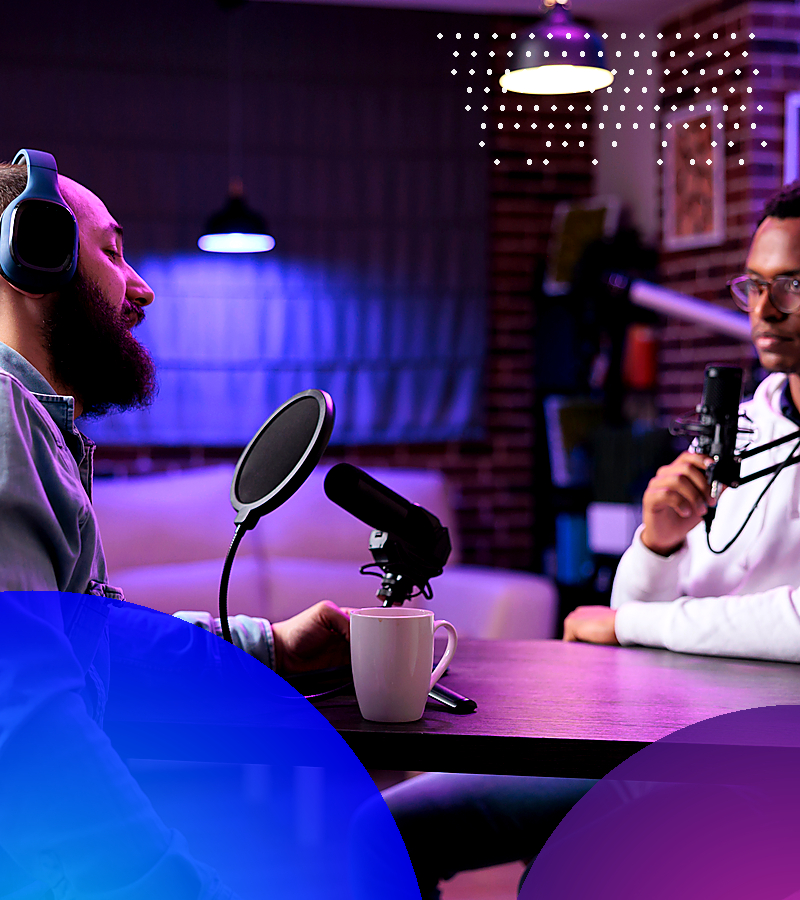
Video Podcast Services
Our video podcast services deliver broadcast-quality content tailored for YouTube, social media, and streaming platforms.
Video Podcast Services:
- Studio Recording: Multi-camera setups in professional podcast studios with broadcast-quality lighting and acoustics
- Remote Recording: High-quality capture of virtual interviews and remote guests using professional remote recording technology
- Live Streaming: Real-time broadcast to YouTube, LinkedIn, and other platforms with professional production value
- Episode Editing: Full post-production with cuts, graphics, audio mixing, and pacing optimization
- Short-Form Clips: Highlight reels and clips optimized for social media distribution and audience growth
- Thumbnail & Graphics: Custom thumbnails, lower thirds, and branded elements that drive clicks
- Show Branding: Intro sequences, outros, and animated logos that establish professional identity
- Multi-Platform Distribution: Formatted exports for YouTube, Spotify, Apple Podcasts, and additional platforms
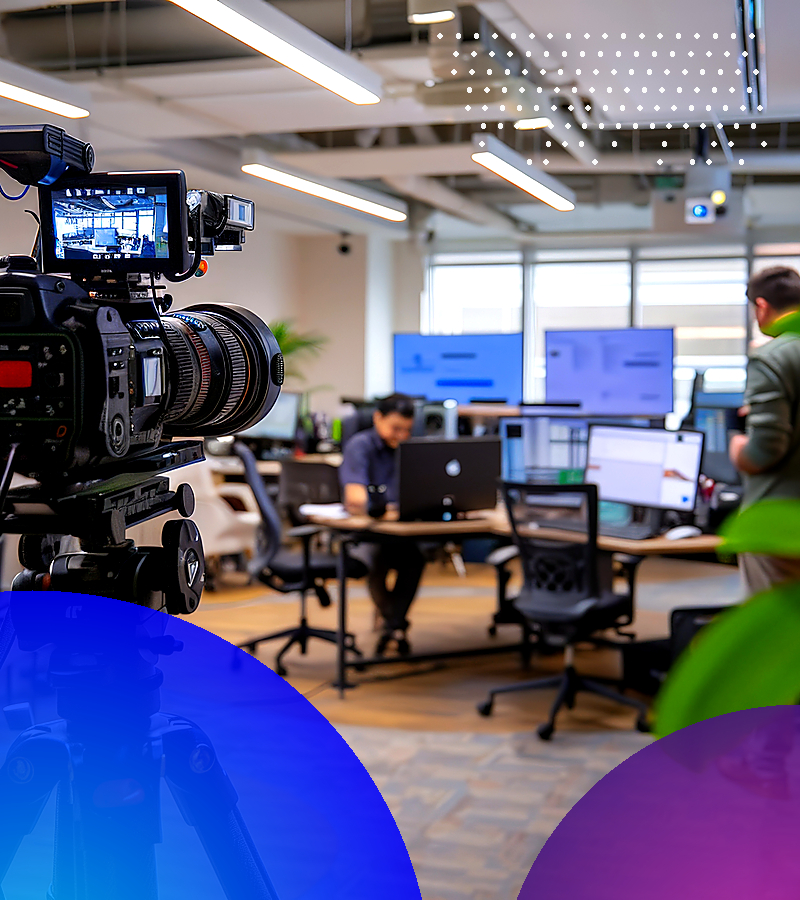
Corporate Video Production
Our corporate video services provide professional content for company overviews and internal communications, ensuring your brand is well represented.
Corporate Video Types:
- Company Profile Videos: Introduce your business, mission, and team to prospects and partners in a compelling narrative format
- Company Culture Videos: Showcase your workplace, values, and people to attract talent and build brand affinity
- Recruitment Videos: Attract top talent with compelling employer branding that shows what makes your company special
- Internal Communications: Training videos, executive messages, and announcements that keep distributed teams aligned
- Investor Relations: Annual reports, shareholder updates, and presentations that build confidence and communicate progress
- Documentary-Style Content: In-depth storytelling about your organization’s impact, history, and vision
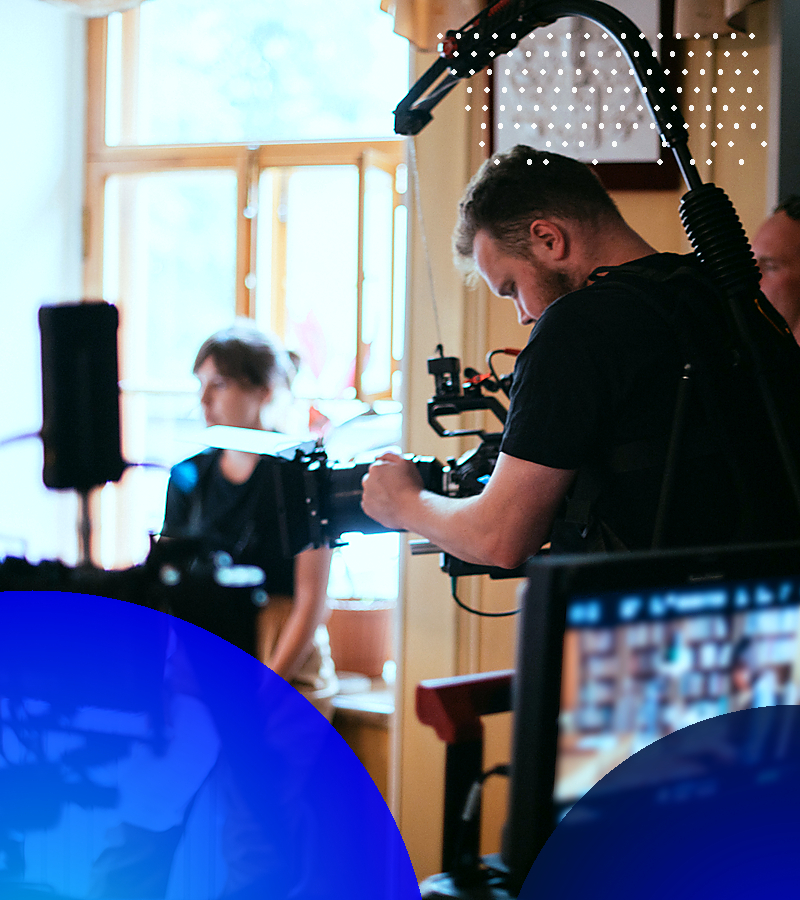
Video Production for Commercials
Our commercial video services produce engaging content for television, digital ads, and social media campaigns that capture attention and drive results.
Video Formats:
- TV Commercials: Broadcast-quality ads for television and streaming services with professional production value
- Digital Video Ads: YouTube pre-roll, social media video ads, and programmatic campaigns optimized for each platform
- Promotional Videos: Product launches, sales campaigns, and seasonal promotions that drive immediate action
- Brand Anthem Videos: Emotional storytelling that defines your brand identity and creates lasting impressions
- Social Media Commercials: Platform-optimized ads for Instagram, TikTok, LinkedIn, and Facebook with native formatting
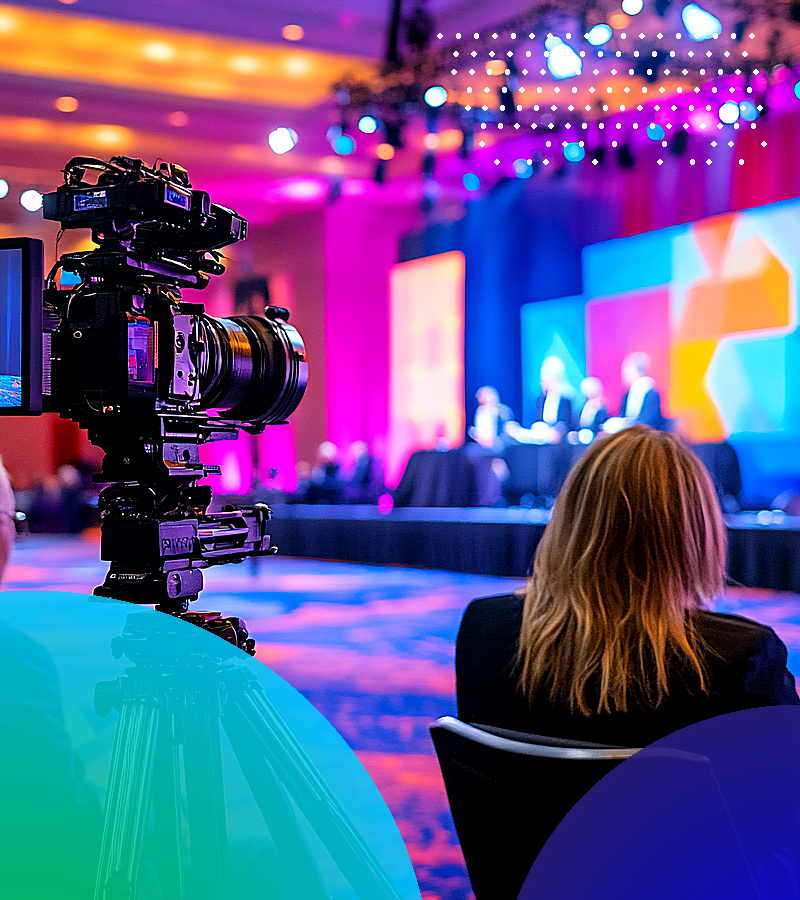
Event Video Production
We offer event coverage for conferences, trade shows, product launches, and corporate gatherings, extending your event’s reach and preserving key moments for future marketing efforts.
Event Video Services:
- Event Highlight Reels: Condensed recaps capturing the best moments, energy, and outcomes of your event
- Full Event Coverage: Multi-camera documentation of keynotes, sessions, and activities for comprehensive archives
- Speaker Capture: Individual presentation recordings with professional audio and multiple angles
- Attendee Testimonials: On-site interviews and reactions that capture authentic enthusiasm and feedback
- Live Streaming: Real-time broadcast for remote audiences with professional switching and graphics
- Behind-the-Scenes: Authentic content showing event preparation and execution for social media engagement
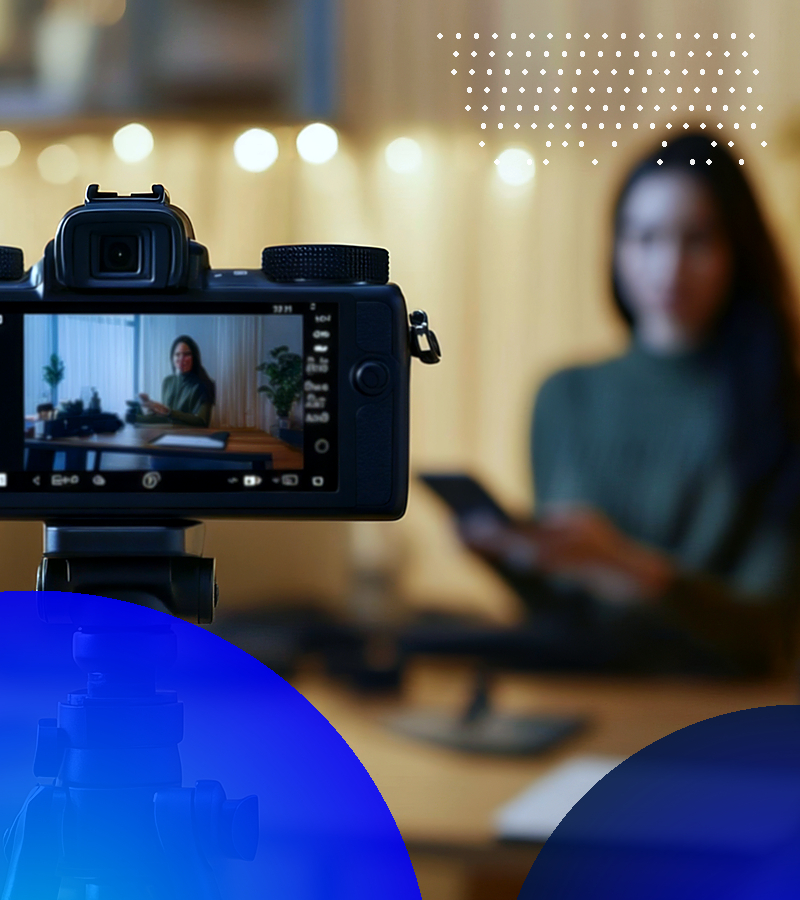
Social Media Video Production
Our social media video production team delivers content designed to engage audiences, encourage sharing, and drive conversions across platforms.
Social Video Services:
- YouTube Content: Long-form videos, channel intros, YouTube Shorts, and series development
- Instagram Video: Reels, Stories, IGTV, and feed videos formatted for maximum engagement
- TikTok Content: Trending format videos, branded challenges, and platform-native creative
- LinkedIn Video: Professional content, thought leadership, and company updates for B2B audiences
- Facebook Video: Native videos, Stories, and Live content optimized for the platform’s algorithm
- Vertical Video: Mobile-first content for Stories, Reels, and Shorts across all platforms
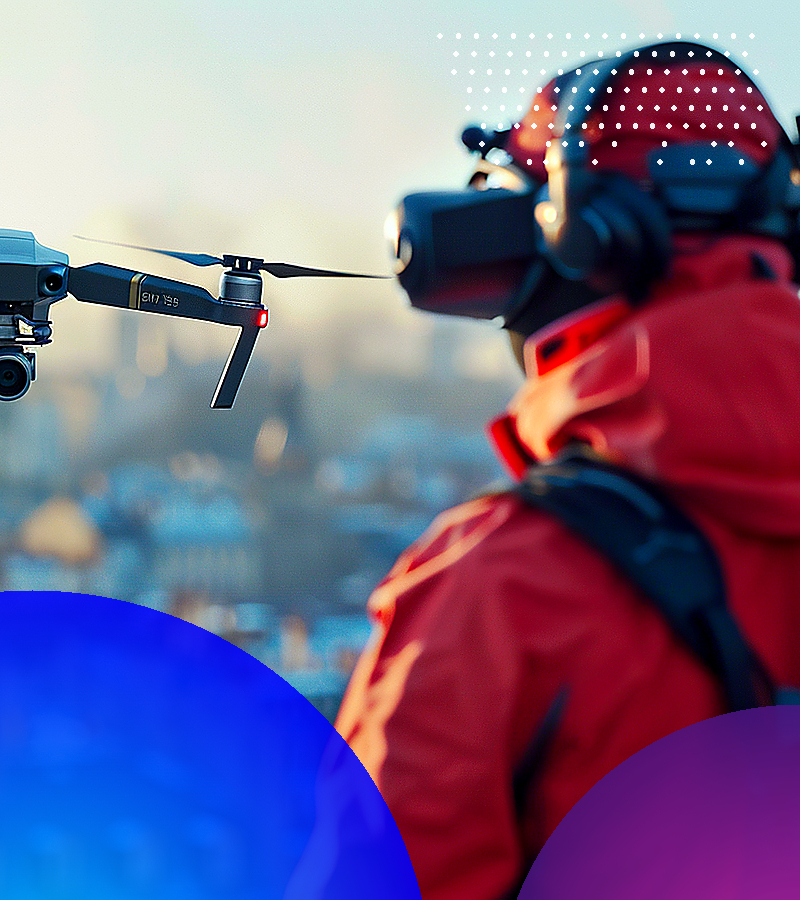
Aerial & Drone Video Production
Our FAA-licensed drone operators capture high-quality footage for real estate, tourism, construction, events, and brand storytelling.
Drone Video Applications:
- Real Estate & Property: Aerial tours, site overviews, and neighborhood context that comprehensively showcase properties
- Construction & Industrial: Project documentation, progress updates, and site assessments from unique perspectives
- Tourism & Hospitality: Destination marketing, resort features, and experience showcases that capture scale and beauty
- Events: Outdoor coverage, crowd scale, and venue showcases that communicate event magnitude
- Corporate B-Roll: Facility overviews, campus footage, and establishing shots that add production value
Testimonial Video Production
Our testimonial video production features authentic stories that demonstrate your value and help prospects envision success with your product or service.
Video Services:
- Customer Success Stories: In-depth interviews highlighting customer results, challenges overcome, and measurable outcomes
- Case Study Videos: Problem-solution-result narratives with supporting visuals and data that demonstrate ROI
- Review Videos: Quick-hit testimonials for social proof across websites and social platforms
- Partner Testimonials: Endorsements from business partners and collaborators that build B2B credibility
- Employee Testimonials: Internal voices sharing why they love working with you for recruitment and culture marketing
Explainer Video Production
Our explainer video production transforms complex concepts into engaging, easy-to-understand content that educates your audience and drives conversions.
Explainer Video Types:
- Animated Explainers: Motion graphics and 2D animation for concept visualization and abstract ideas
- Live-Action Explainers: Real people demonstrating your solution in authentic contexts
- Product Demo Videos: Feature walkthroughs and functionality showcases that highlight value.
- How-To Videos: Step-by-step instructional content that helps customers succeed with your product
- Whiteboard Animation: Illustrated explanations drawn in real-time style for educational content
- Software Demos: Screen recordings with professional voiceover and graphics for SaaS and tech products
Training & Educational Video Production
Our team delivers training and educational video content that engages employees, customers, and partners.
Training Video Types:
- Employee Onboarding: Welcome videos, policy explanations, culture introductions
- Skills Training: Process demonstrations, best practices, technique tutorials
- Safety Videos: Compliance content, procedure documentation
- Product Training: Sales enablement, customer education, feature tutorials
- Webinar Production: Professional recording and editing of online presentations
Brand Videography FAQs
How long does video production take?
Depending on the scope and complexity of your project, timelines range from three to 10 weeks. We establish clear schedules during discovery and communicate proactively throughout the process.
What if I’m uncomfortable on camera?
Most people feel camera-shy at first. Our photographers, videographers, and directors use conversational prompts instead of memorized scripts and foster a relaxed atmosphere with plenty of time for warm-ups.
Can one shoot produce multiple video assets?
Absolutely. We strongly recommend this approach for maximum ROI, as it’s far more cost-efficient than scheduling separate productions.
What equipment do you use?
We use cinema-quality 4K+ cameras (RED, Sony, Blackmagic), professional lighting, broadcast-quality audio, gimbal stabilizers, and FAA-licensed drones. Post-production uses industry-standard tools, including Premiere Pro, DaVinci Resolve, and After Effects.
How much does video production cost?
Pricing varies by scope and complexity. Typical ranges: testimonials $3,000 to $7,000, animated explainers $5,000 to $15,000, corporate/commercial videos $7,500 to $25,000+.
Do we own the videos?
Yes. You receive full ownership and perpetual usage rights across all marketing and business purposes—website, social, ads, sales, trade shows, internal use—with no additional licensing fees.






Social Media Video Production
Our social media video production team delivers content designed to engage audiences, encourage sharing, and drive conversions across platforms.
Social Video Services: